Download CrystalDiskMark
Version 9.0.2 (2026/02/17). Choose an edition and download the installer.
Download by Edition
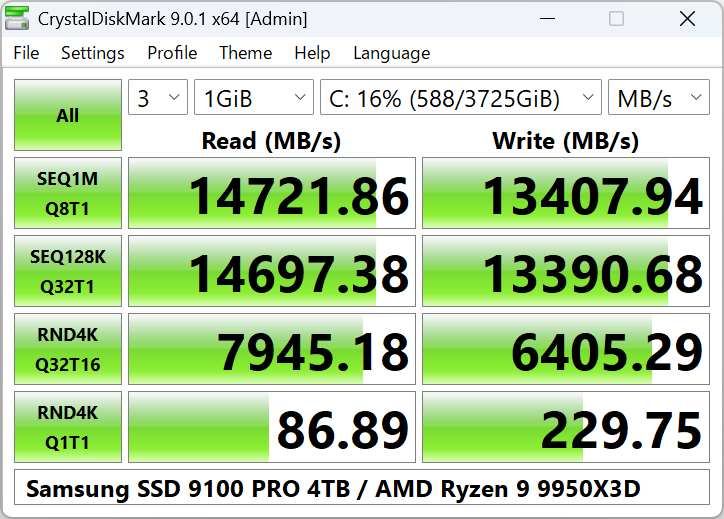
Standard Edition
CrystalDiskMark Standard Edition. Classic interface with full benchmark features. Best for most users.
Download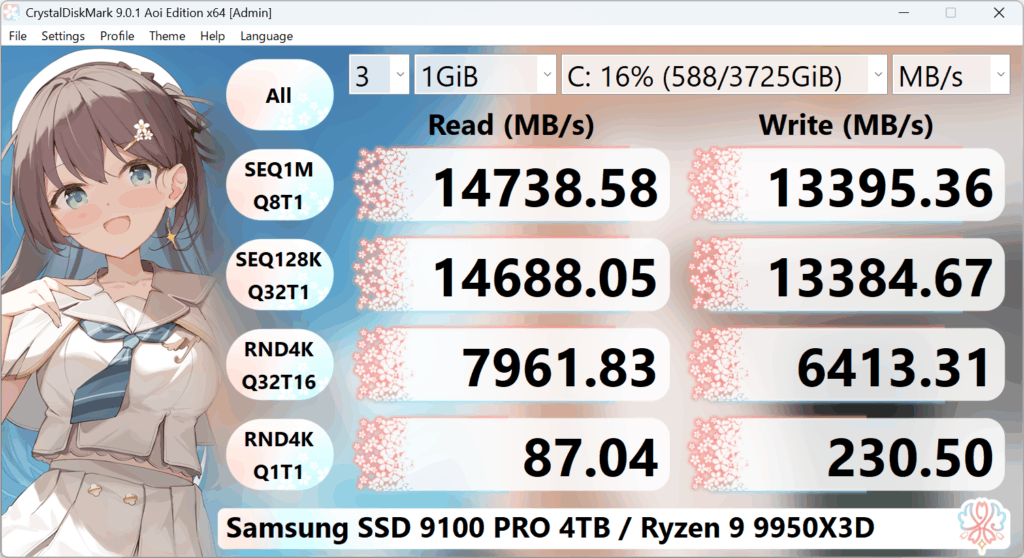
Aoi Edition
CrystalDiskMark Aoi Edition. Same engine with Aoi-themed interface and extra themes.
Download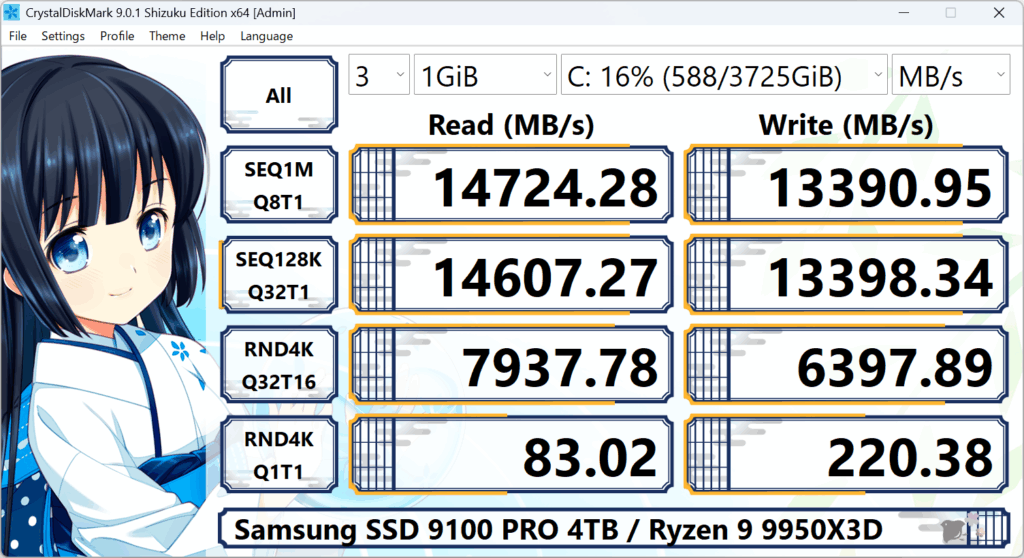
Shizuku Edition
CrystalDiskMark Shizuku Edition. Shizuku-themed UI with additional visual styles. Same benchmark capabilities.
DownloadInstall and Update
ZIP (portable): Unzip to any folder. No installation required. To update, unzip over the previous version. To uninstall, delete the folder. Ideal for USB sticks or when you do not want to install.
Installer: Run the installer and follow the steps. Uninstall via Settings → Apps → Apps & features (or Add or remove programs). The uninstaller removes the program and its settings.
Verification and Safety
Always download CrystalDiskMark from the developer's official distribution or the Microsoft Store. The installer and main executable are digitally signed so Windows can verify the publisher. Avoid third-party download sites to reduce the risk of modified or bundled software.
CrystalDiskMark is free software under the MIT License. The developer accepts optional donations via GitHub Sponsors and the official site. See License for the full text.
Related Downloads
From the same developer (Crystal Dew World):
- CrystalDiskInfo — Drive health, SMART, temperature monitoring.
- CrystalMark Retro — Retro-style disk, CPU, and 2D benchmark.
System requirements for CrystalDiskMark: Windows XP through 11 (and Server equivalents), x86, x64, or ARM64. Installer and x64 build do not support Windows XP/2003.